Saturday, June 5, 2021

Program Smart Fortwo 451 08-15 All keys Lost by Autel IM608

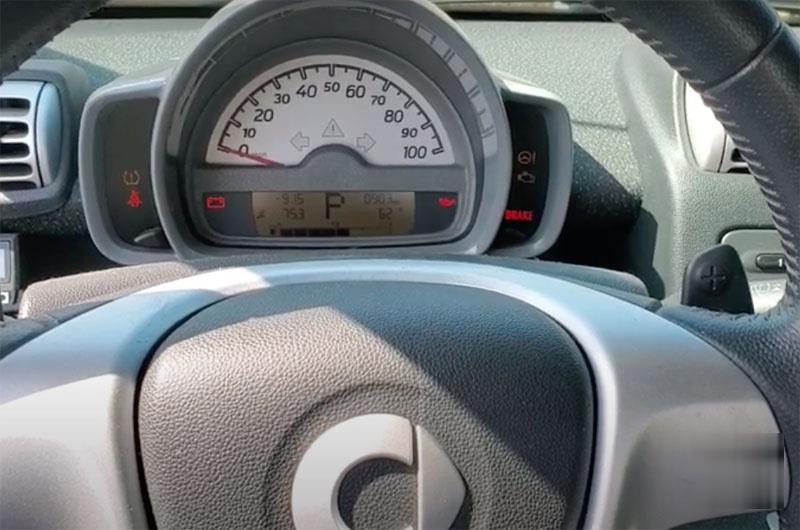
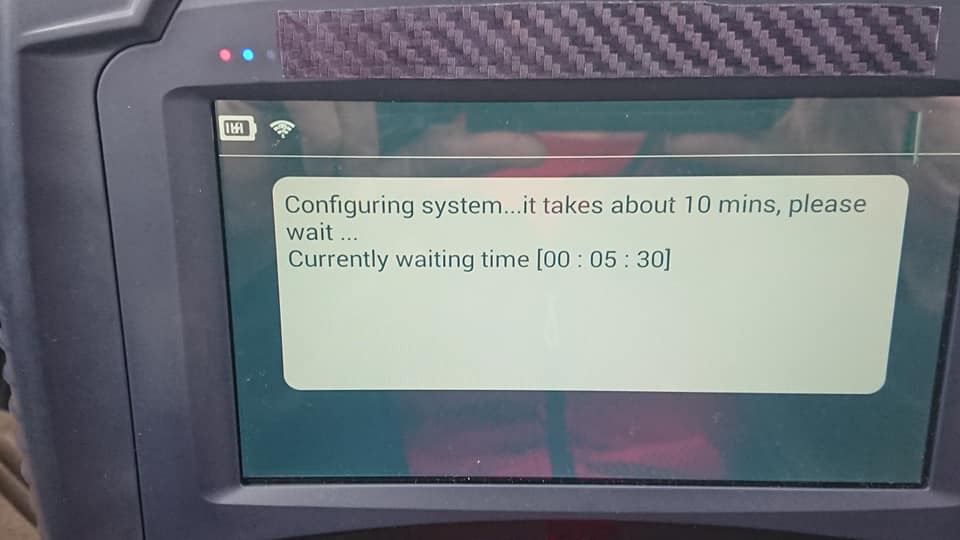
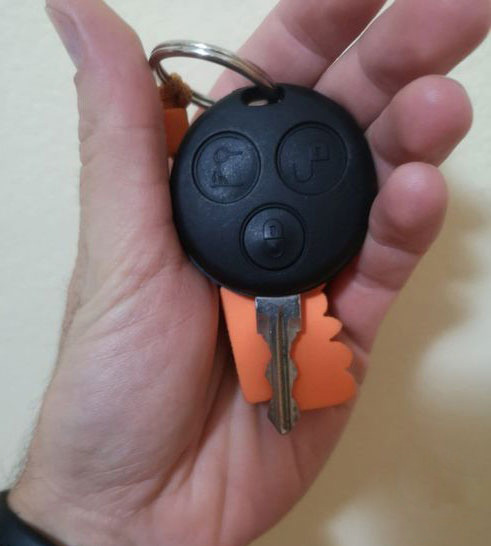
 We programmed a new remote key to a 2008 Smart Fortwo 451 with Autel MaxiIM IM608/IM508 because it lost all the keys. Car has the anti-theft indicator on.
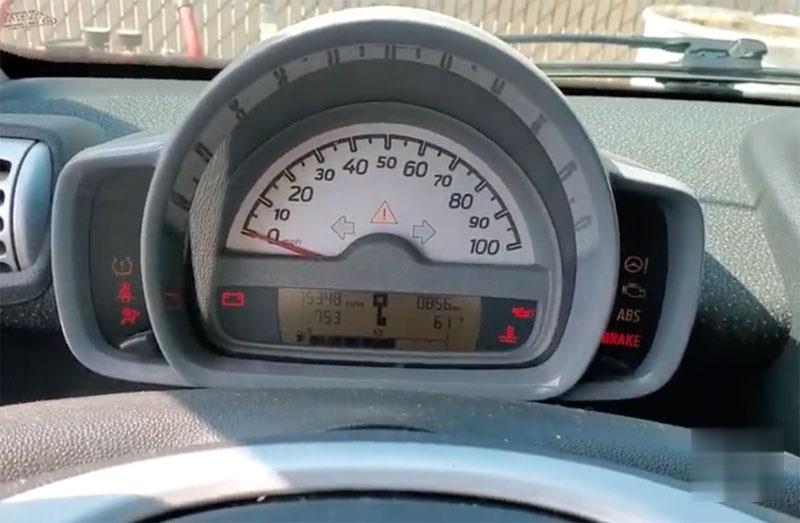
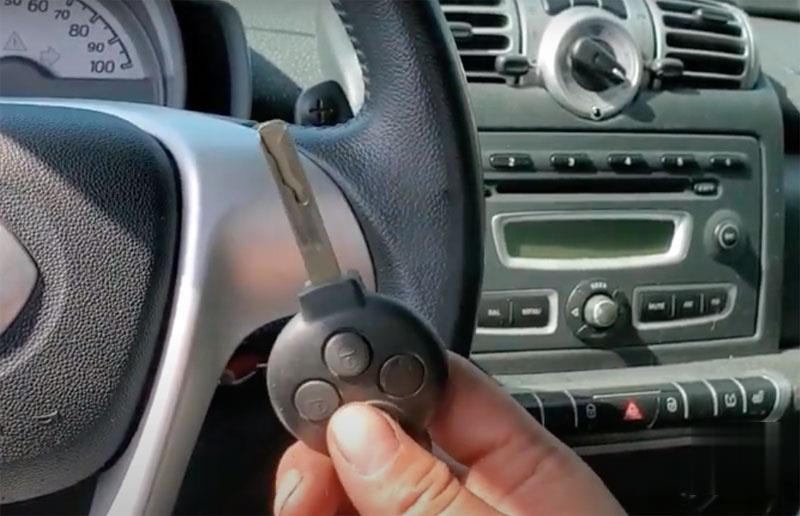
Autel-IM608-Program-Smart-Fortwo-451-08-15-All-keys-Lost-1 (2) Autel-IM608-Program-Smart-Fortwo-451-08-15-All-keys-Lost-2 (2)   

Place the ignition switch. If we try to crank it, we got the message that it not programmed. This key is virgin.

Autel-IM608-Program-Smart-Fortwo-451-08-15-All-keys-Lost-3 (2)

Procedure:

2008-2015 Smart Fortwo (all keys lost, add key, EVU replacement) with Autel IM608

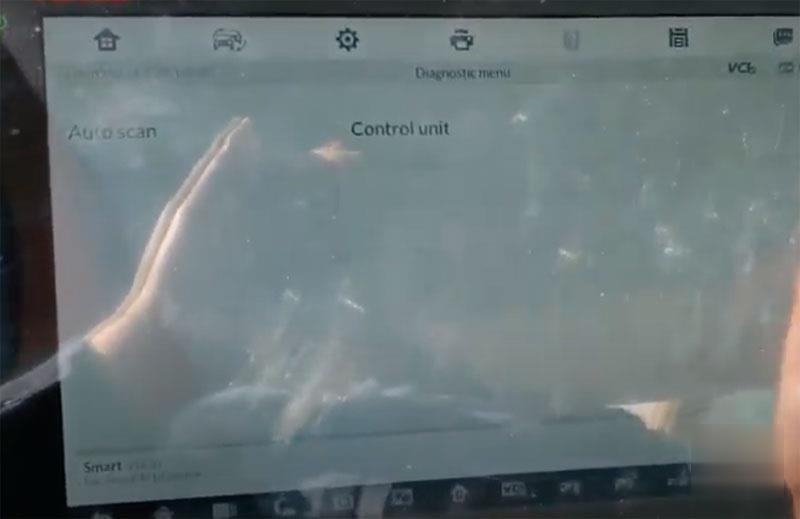
We go to Diagnostic instead of going to Immobilizer function.

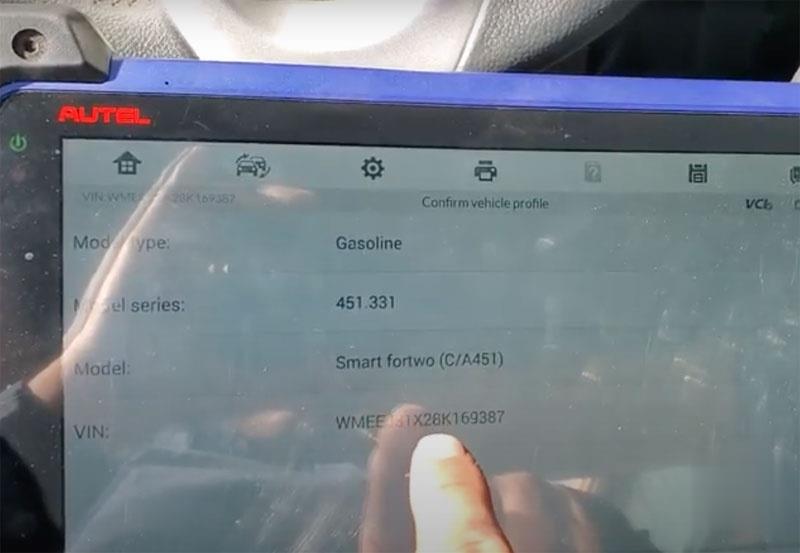
Check vehicle information, has vehicle model and vin number here

Autel-IM608-Program-Smart-Fortwo-451-08-15-All-keys-Lost-4 (2)

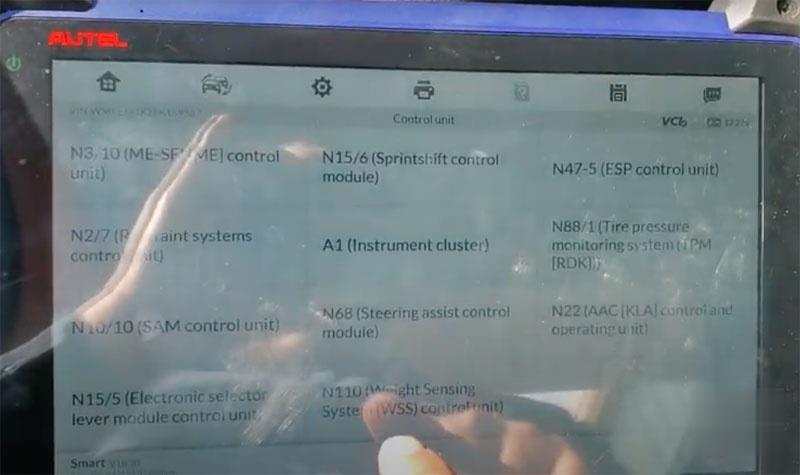
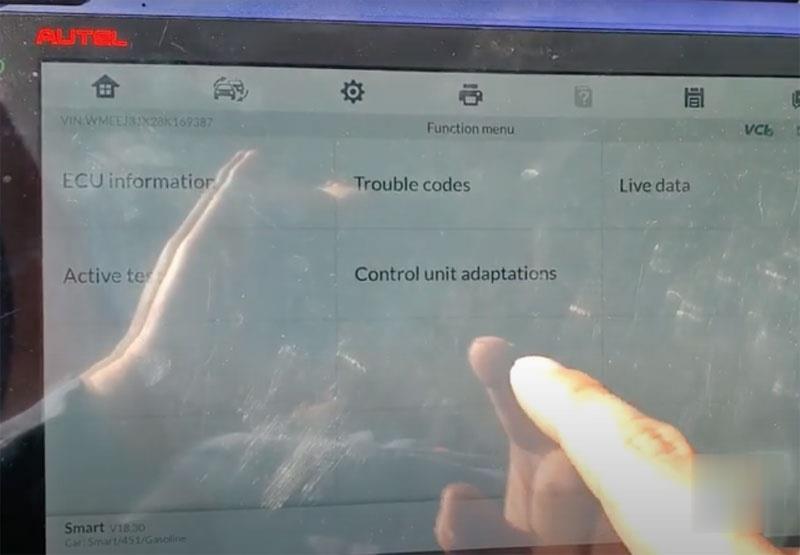
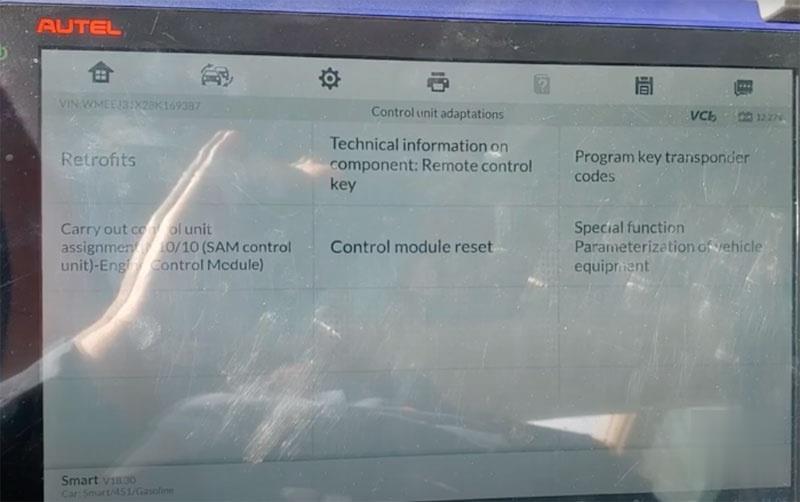
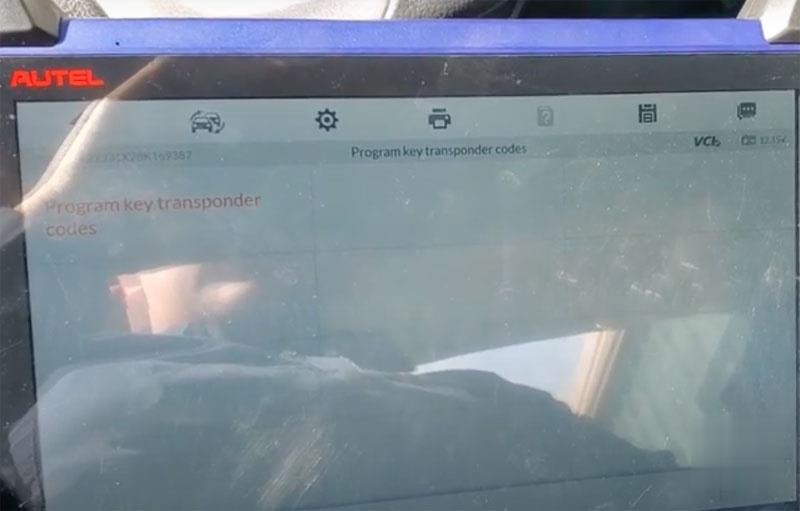
We go to Control unit ->N10/10(SAM control)-> Control unit adaptations->Program key transponder codes
Autel-IM608-Program-Smart-Fortwo-451-08-15-All-keys-Lost-5 (2)
Autel-IM608-Program-Smart-Fortwo-451-08-15-All-keys-Lost-6 (2)
Autel-IM608-Program-Smart-Fortwo-451-08-15-All-keys-Lost-7 (2)
Autel-IM608-Program-Smart-Fortwo-451-08-15-All-keys-Lost-8 (2)

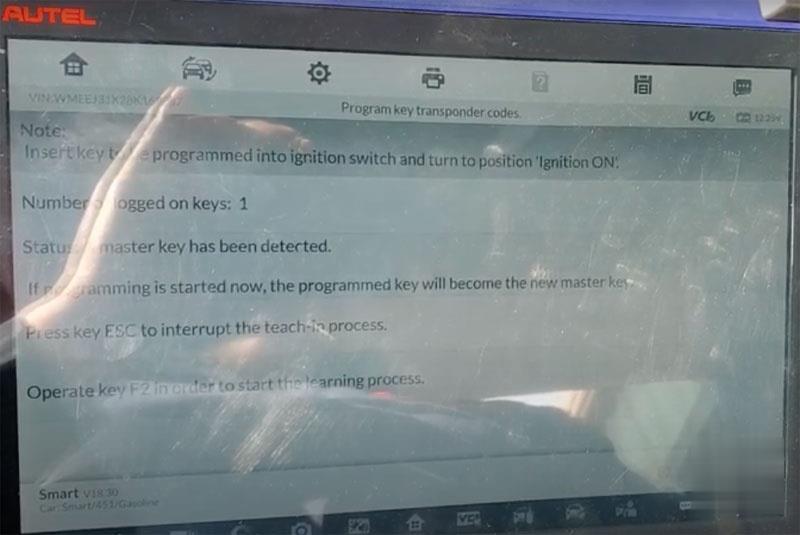
Insert key to be programmed into ignition and turn on ignition
Press F2 to start learning process

Autel-IM608-Program-Smart-Fortwo-451-08-15-All-keys-Lost-9 (2)

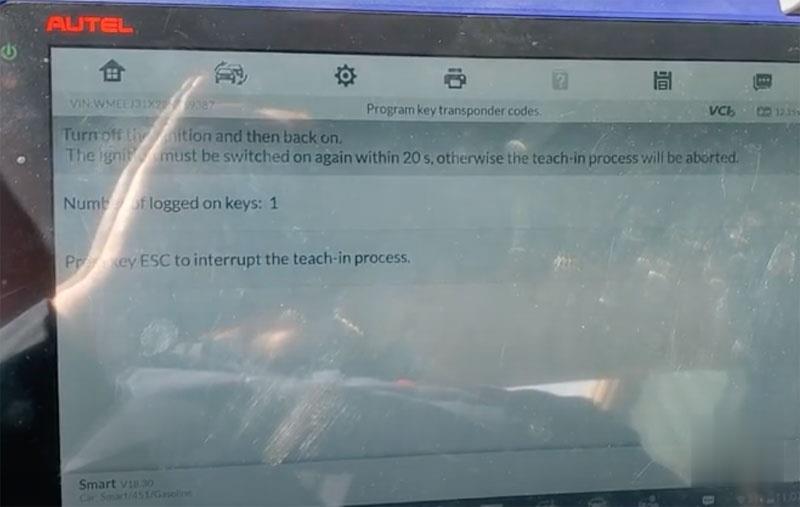
Turn off the ignition and then back on.

Autel-IM608-Program-Smart-Fortwo-451-08-15-All-keys-Lost-10 (2)

Press key ESC to interrupt rage teach-in process
Autel-IM608-Program-Smart-Fortwo-451-08-15-All-keys-Lost-11 (2)

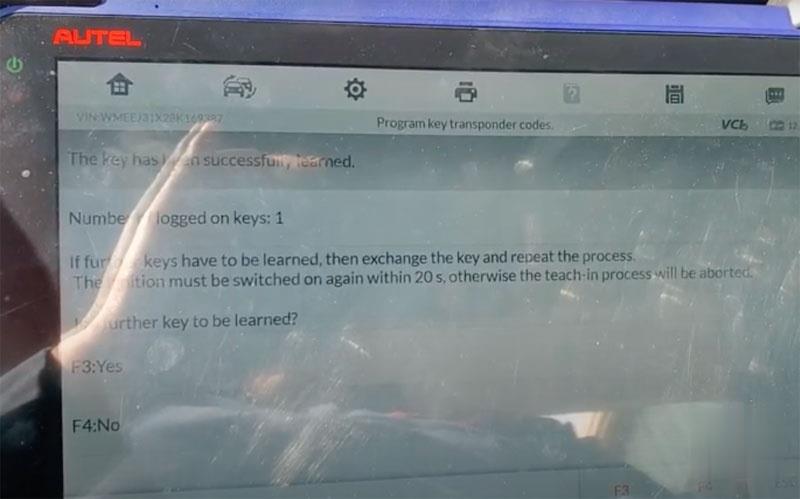
The key has been successfully learned.
Press Yes
Learning key in progress
Press F4 STOP
Remove the taught-in vehicle key

Insert vehicle keys to be taught in into ignition lock and turn to position ignition on
The ignition must be switched on again within 20s

Autel-IM608-Program-Smart-Fortwo-451-08-15-All-keys-Lost-12 (2)

Key has programmed. Now you can start the engine with the new key.
Friday, June 4, 2021

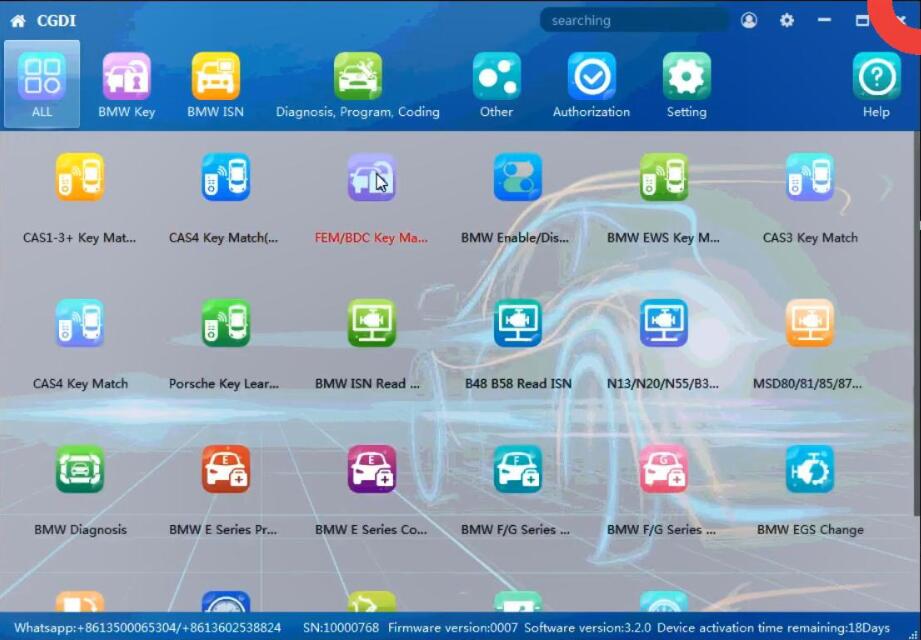
How to Solve CGDI BMW FEM BDC Version is Not Supported

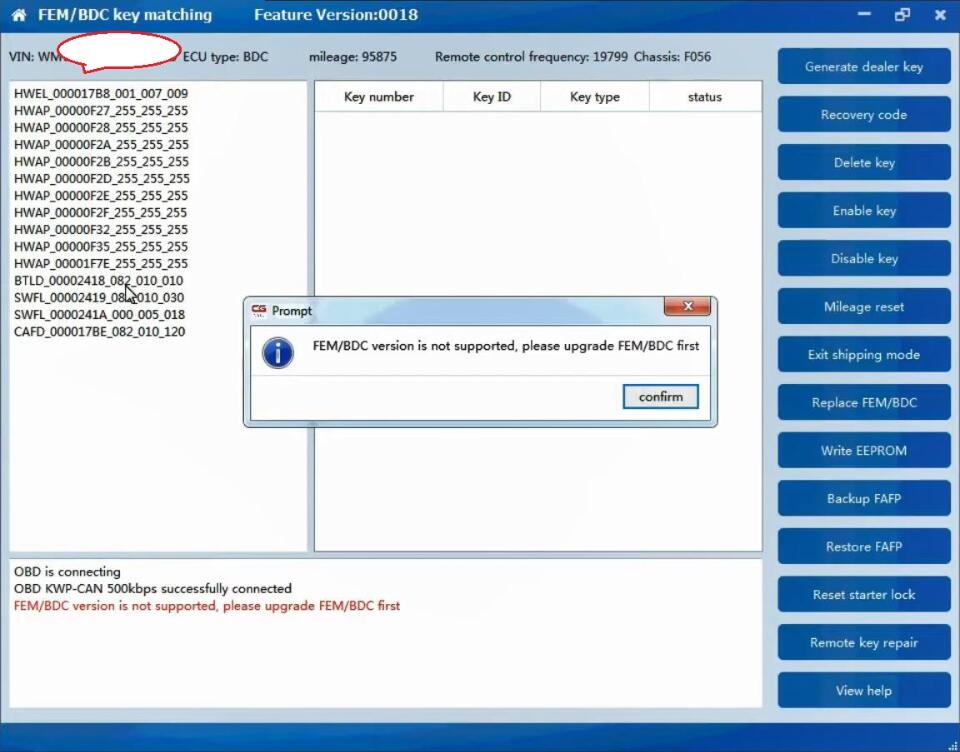
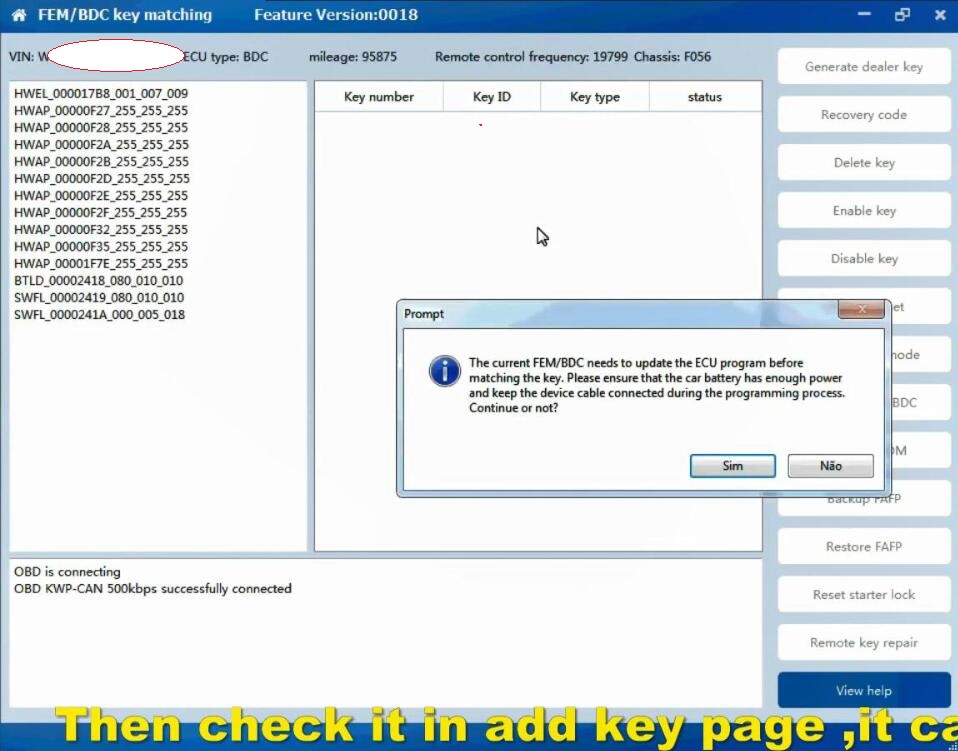
Solution to CGDI BMW “FEM BDC Version is not supported, please upgrade FEM /BDC first“. if you have the same problem, please follow this article to fix it.


How-to-Solve-CGDI-BMW-“FEM-BDC-Version-is-not-Supported”-1    

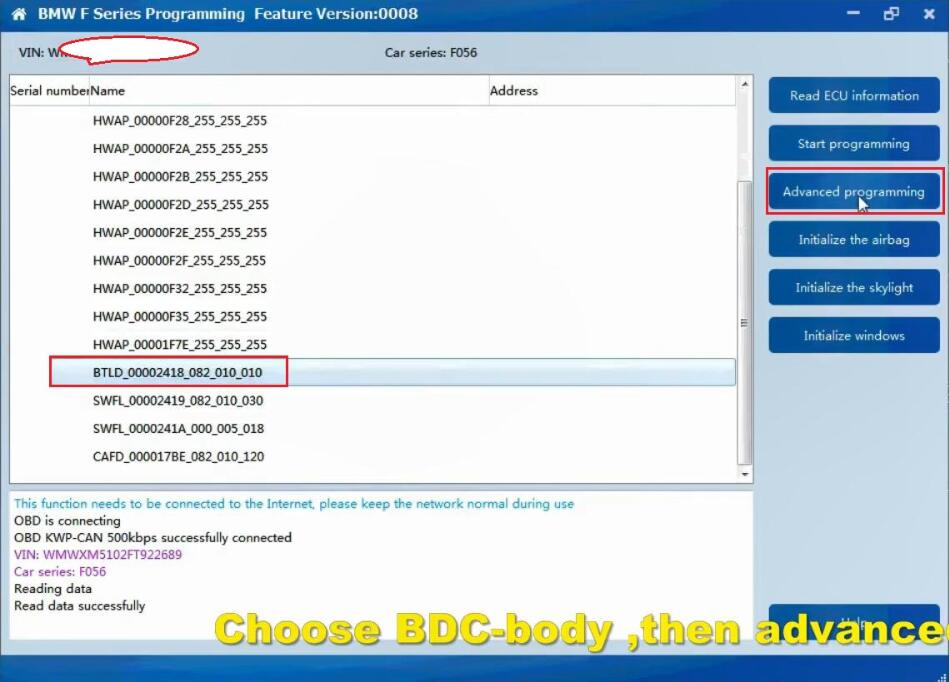
Please upgrade FEM /BDC first”, please Check the BTLD version, If it is 82 or 83 , you need to go to program page .advanced mode , program it (in this article). If it is other version , you need to go to program page, program it with default version (will make a manual ).

Choose BDC_Body, then “Advanced mode”.

Follow the prompt ” The ECU is about to be programmed. Please ensure that the car battery has enough power and keep the device cable connected during the programming process. Click on “Yes” to continue.

Click on “Yes” to backup the coded data.

The progress will be displayed in the box.

How-to-Solve-CGDI-BMW-“FEM-BDC-Version-is-not-Supported”-2

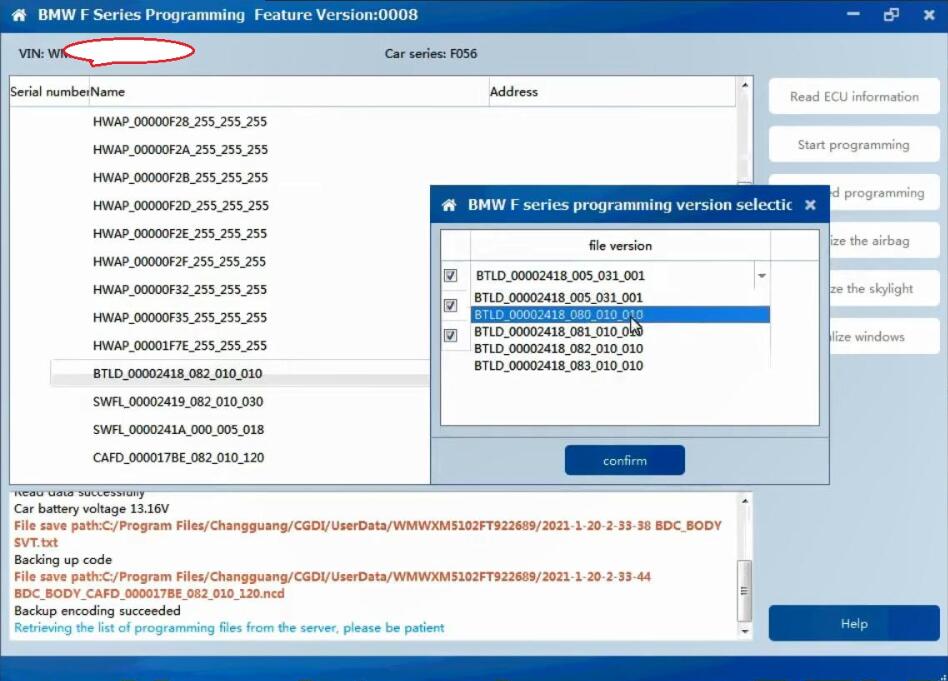
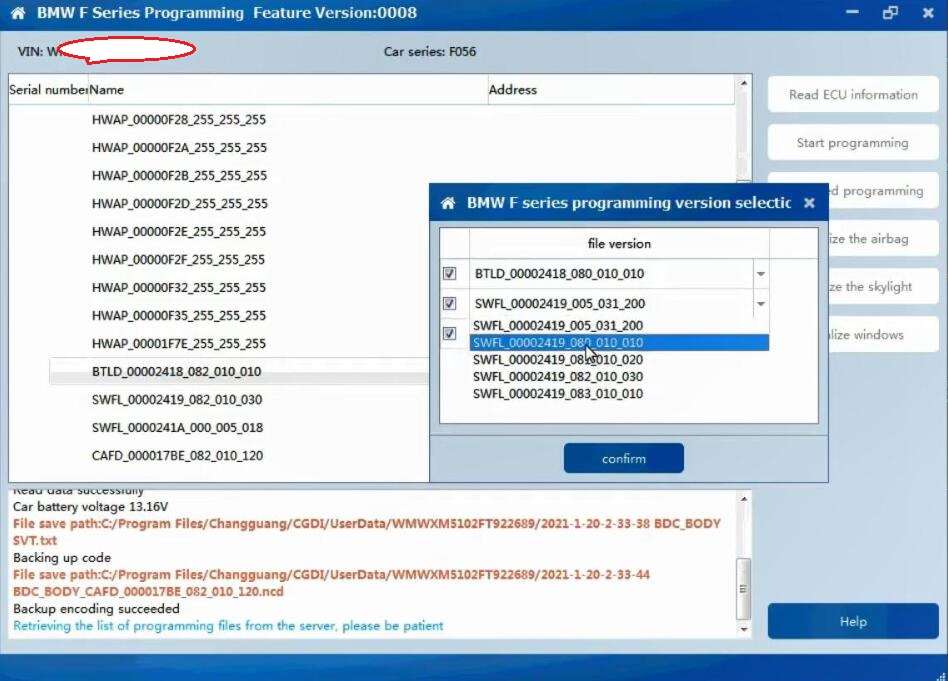
Next is BMW F series programming version selection, please choose “BTLD-80”, the next one is to choose “SWFL -80”.

Then click on “Confirm”.

How-to-Solve-CGDI-BMW-“FEM-BDC-Version-is-not-Supported”-3
How-to-Solve-CGDI-BMW-“FEM-BDC-Version-is-not-Supported”-4

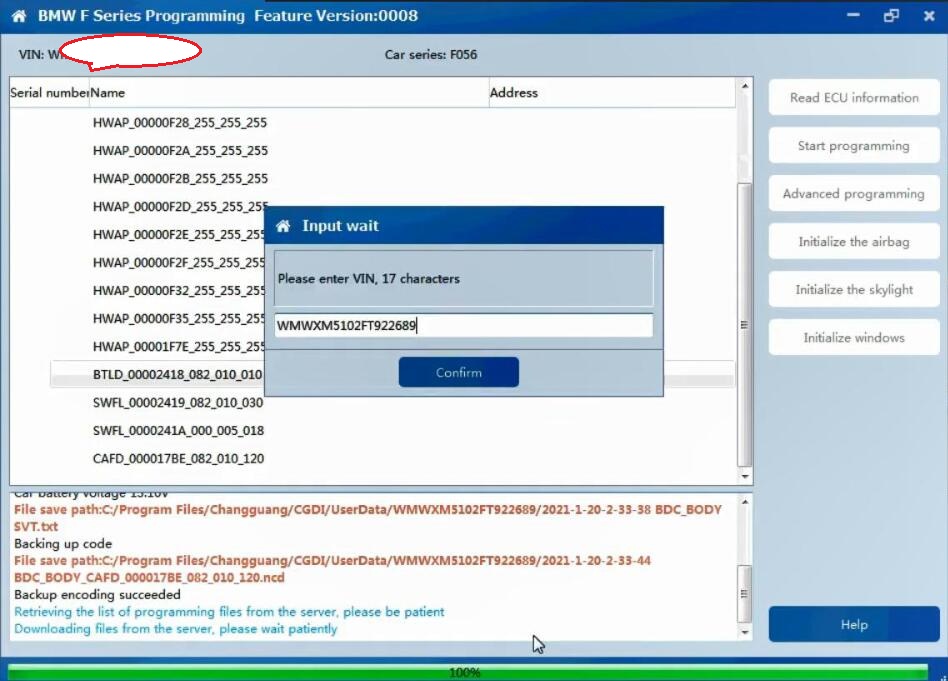
Retrieving and downloading the list of programming files from the server, please be patient, how much time to cost, it will depend on your internet speed.

When it shows 100%, you will be asked to enter VIN 17 characters.

How-to-Solve-CGDI-BMW-“FEM-BDC-Version-is-not-Supported”-5

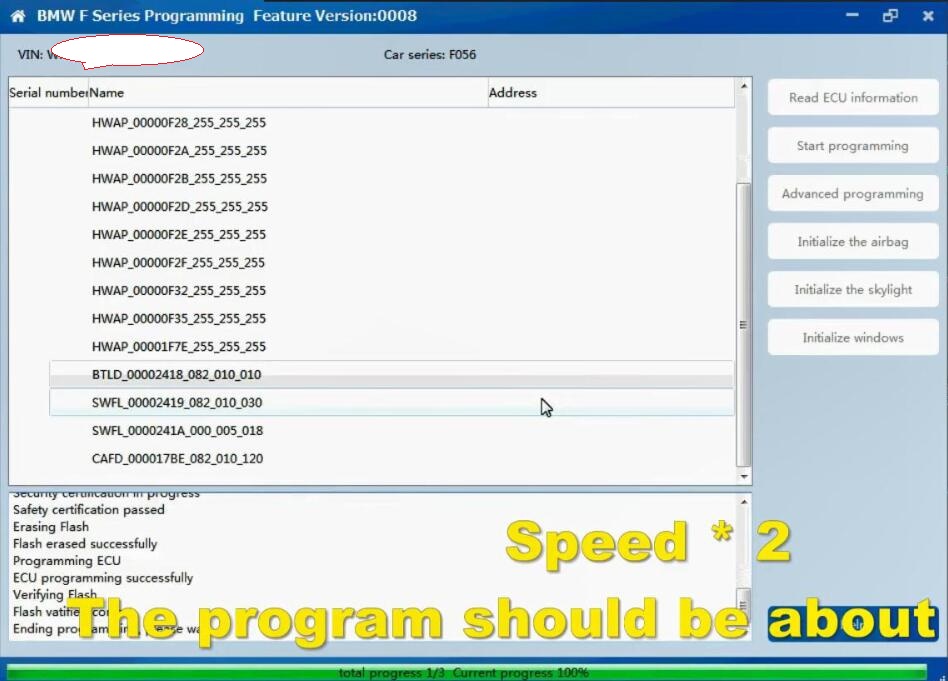
Ready to program ECU…It will take about 8 minutes.

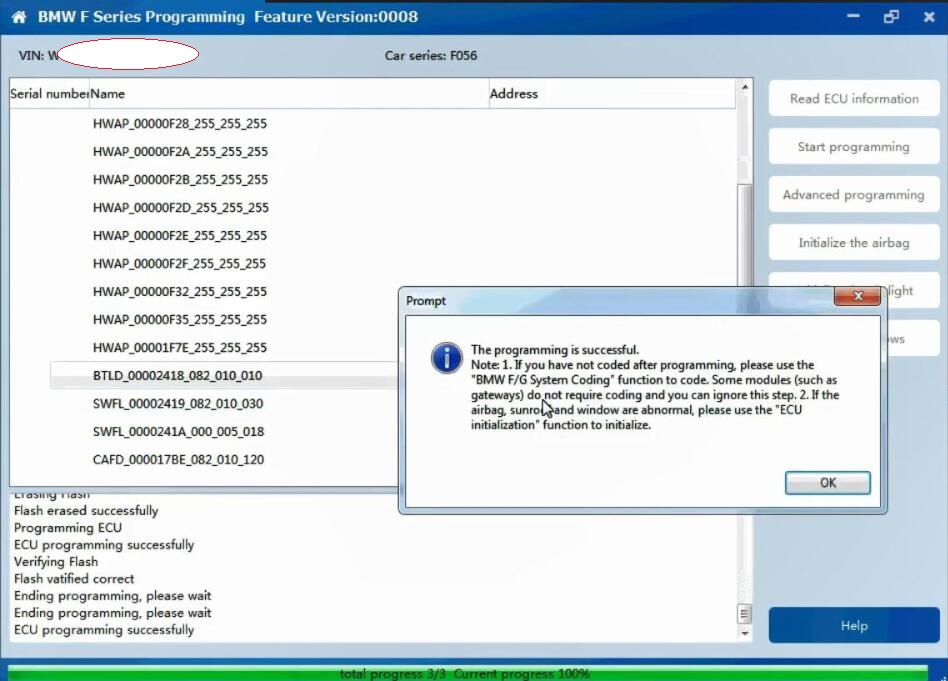
When it shows 100%, it means ECU programming successfully.

How-to-Solve-CGDI-BMW-“FEM-BDC-Version-is-not-Supported”-6

Note 1. If you have not coded after programming, please use the “BMW F/G system Coding” function to code. Some modules (such as gateways) do not require coding and you can ignore this step.

Note 2. If the airbag, sunroof and window are abnormal, please use the “ECU initialization” function to initialize.

How-to-Solve-CGDI-BMW-“FEM-BDC-Version-is-not-Supported”-7 
How-to-Solve-CGDI-BMW-“FEM-BDC-Version-is-not-Supported”-8

Then check it in the Add Key page, it can work now.

How-to-Solve-CGDI-BMW-“FEM-BDC-Version-is-not-Supported”-9

CGDI BMW Key Programmer tech support: www.obd2tool.com

Thursday, June 3, 2021

How to Add Key to Opel Insignia B 2018 by Lonsdor K518ISE

 New test report:


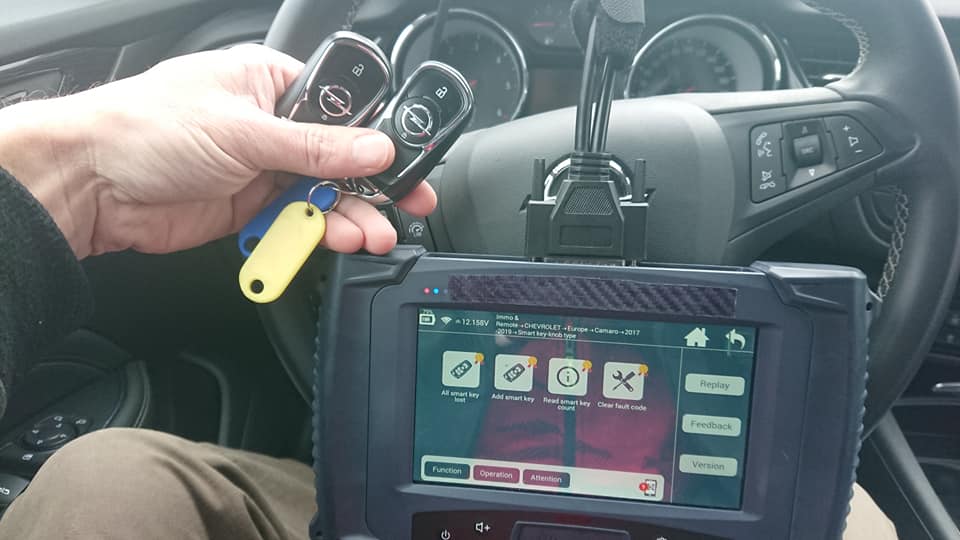
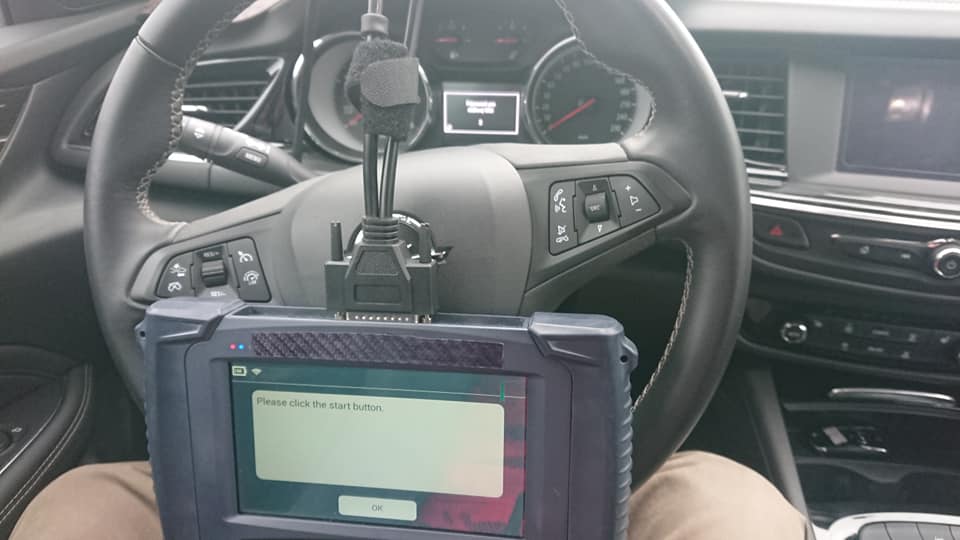
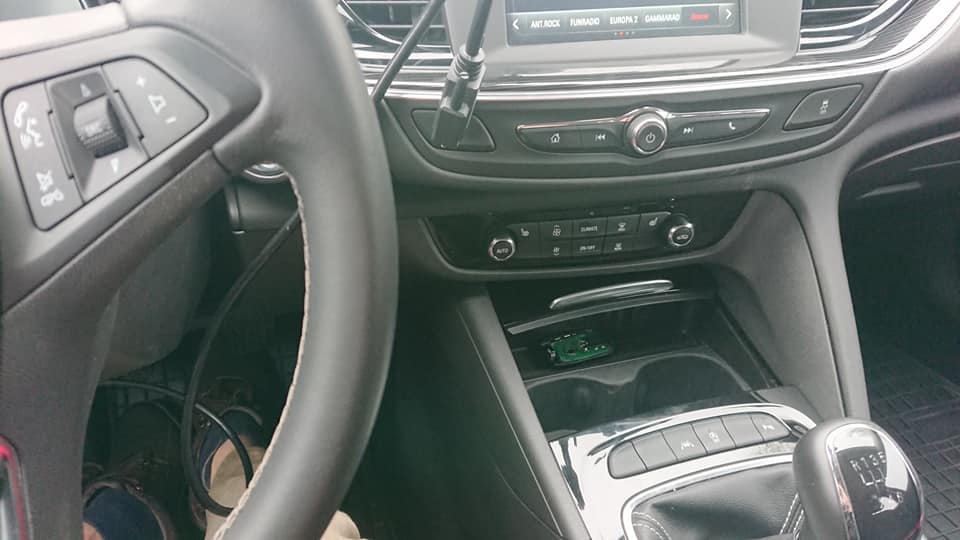
I have successfully added key to Opel Insignia B 2018 with Lonsdor K518ISE. Insignia menu is only for model A, older type – 2016. first i read PIN under menu Astra K. I tried menu Astra K smart key but didn’t work. I made this smart key under menu Chevrolet Camaro 2017-2019 smart key.
lonsdor-k518ise-Opel-Insignia-B-2018-1  
lonsdor-k518ise-Opel-Insignia-B-2018-2
lonsdor-k518ise-Opel-Insignia-B-2018-3
lonsdor-k518ise-Opel-Insignia-B-2018-4

 If you want to know more key programming tools, please visit our website https://www.obd2tool.com

Wednesday, June 2, 2021

Which Tool to Program Smart Fortwo 03-06 Remote Key

 Problem:


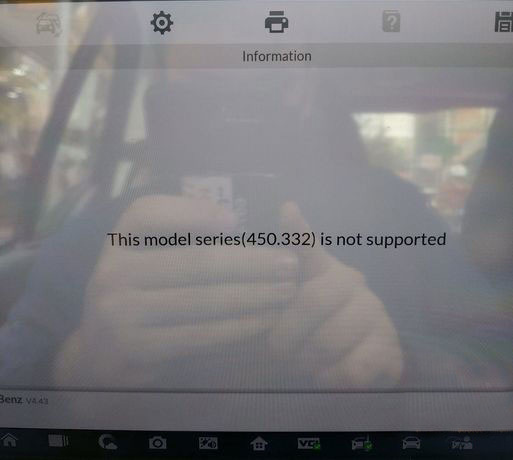
Smart 450 2005 remote key tried with Autel IM608 but no joy.

FAIL, cannot communicate with ECU error.

Has anyone successful doing Smart 450 remote by Autel?

Which-Tool-to-Program-Smart-Fortwo-03-06-Remote-Key-1
Which-Tool-to-Program-Smart-Fortwo-03-06-Remote-Key-2

Solution:

Autel doesn’t do 450 smart. Have to choose other tool. 451 is working.

Autel im508/im608 failed
Zedfull failed

Lonsdor k518ise failed.

Fvdi easy under smart or under Mitsubishi colt 2006, five minutes fvdi do it.
Tcode smart pro and fvdi2018 ok doit akl not have any problems with 450.

And AVDI, OBDSTAR X300 DP Plus works good on this model.

X300 DP Plus never failed. It’s doing 450, 451, 454 without problems.   If you want to program key with two buttons you need change relay.

Tuesday, June 1, 2021

Autel IM608 Program Toyota 2020- Smart Key AKL

 Question:


2020 Toyota Highlander all keys lost.
Tango fail
Zedfull fail

Possible to program 2020 2021 Toyota AKL with Autel IM608 and XP400 Pro by OBD ?


Answer:
If it’s add key, autel is able to add it without LSID. Either way, you can try it. If it shows you 3 data lines, then not possible.
Autel doesn’t support toyota/lexus 2018+ all key lost yet, still in development.  2018 before AKL requires APB112 emulator. As for lonsdor you’ll need to Lonsdor specific smart key and open AKL license on your device which has to be renewed every year.

If all keys lost, it requires Toyota Subscription with techinfo.toyota.com. The newer Toyota’s have an extra security component even adding keys diagnostically will be a problem unless you have the special password.  IM608 can do the ’21 Corolla’s and Camry’s (at least) by OBD as long as you can provide the 12-digit outcode.  The im608 requires a response code of 12 digits, which comes after you submit the 3 lines of data.

Autel cannot bypass the seed code (LSID). Best bet is Techstream subscription with NASTF.

Its the $65 security professional script. If you have a yearly subscription there is no cost. The yearly subscription costs $1,295.

Possible-to-Program-Toyota-2020--Smart-Key-AKL-with-Autel-by-OBD-1 (2)   

You can purchase a 2 day subscription at a cost of 65 dollars. Then you have to wait for email ( up to half hours) then you can re-log back in to site and get 1 free key code. It’s much quicker to just pull out the drivers door lock cylinder and get the key code. It’s stamped right on it!

If bypass the seed code, there is no option for all keys lost or generate smart key, only add key, then add the key.
Once you have reset immo, you go back and add key. It’s confusing, but that’s how it’s done.
Possible-to-Program-Toyota-2020--Smart-Key-AKL-with-Autel-by-OBD-2 (2)

Possible-to-Program-Toyota-2020--Smart-Key-AKL-with-Autel-by-OBD-3 (2)

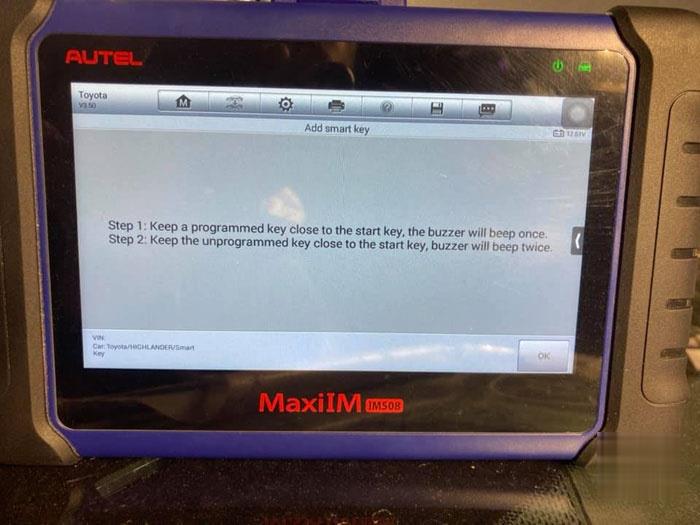
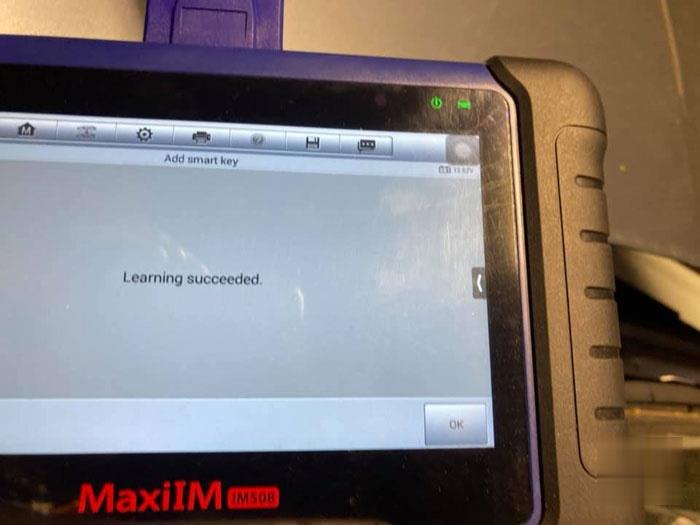
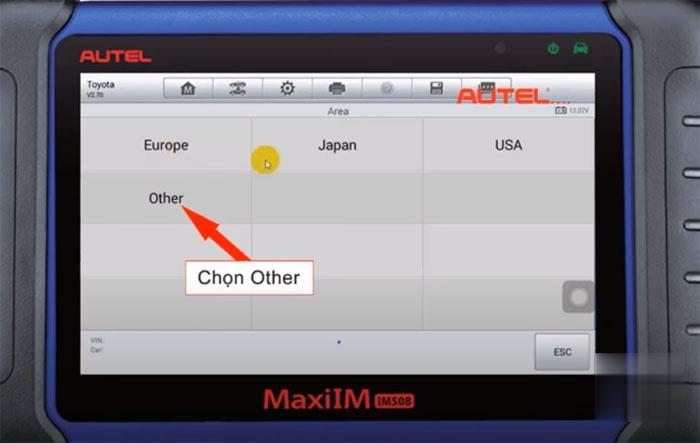
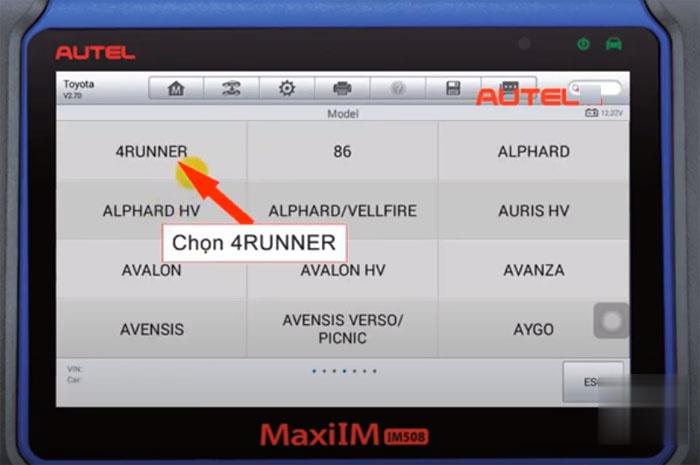
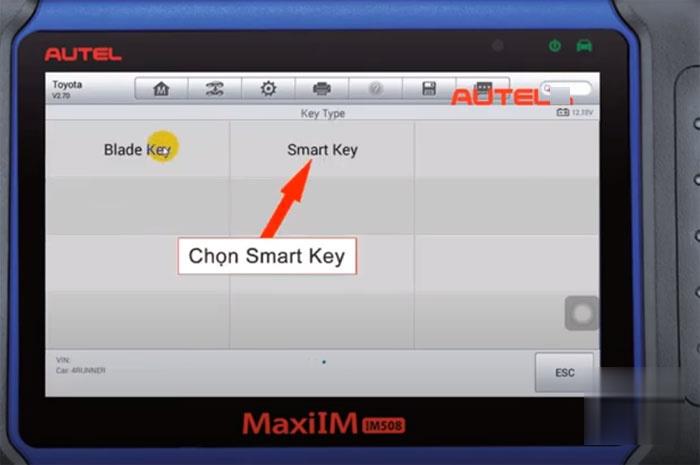
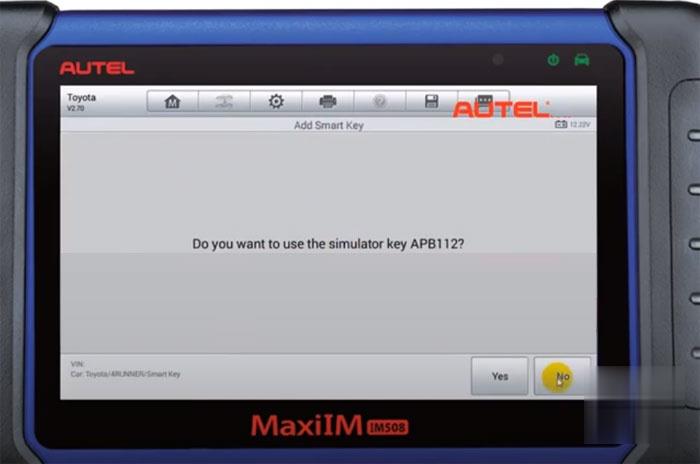
Toyota 2020 smart key All key example: 2020 Hilux, 4Runner AKL by Autel IM508 XP400 Pro

APB112 emulator is required.

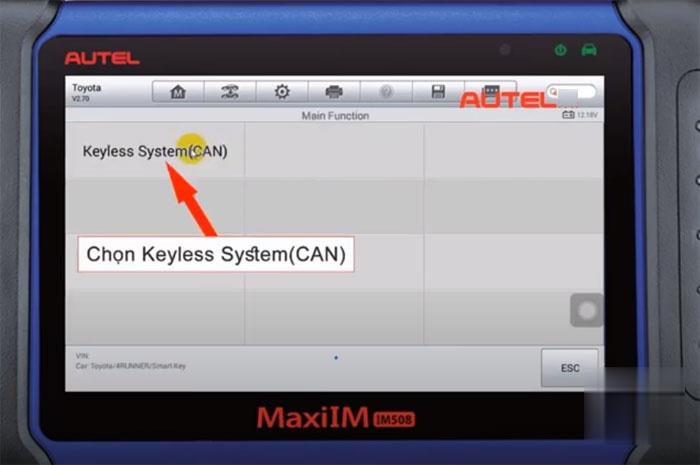
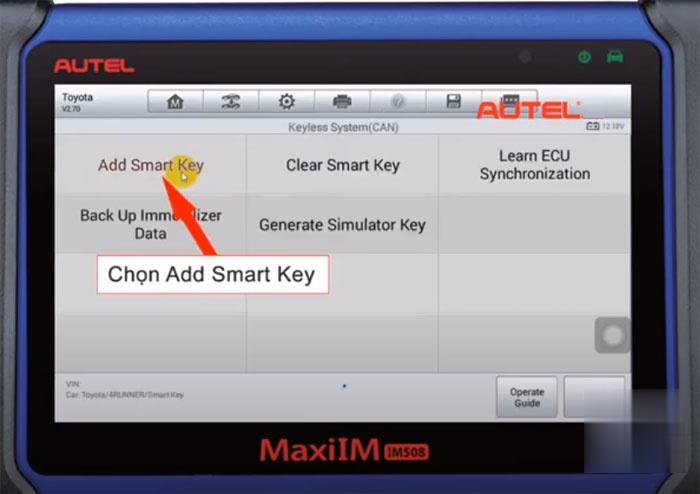
IMMO Programmin->Toyota->Other->4Runner->Smart Key->Keyless System (CAN)->Add smart key
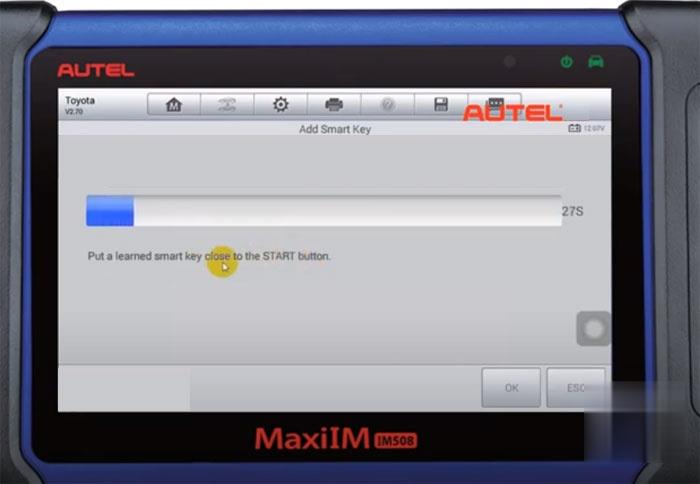
Put a learned smart key close to the START button
Put a smart key to be learned close to the START button
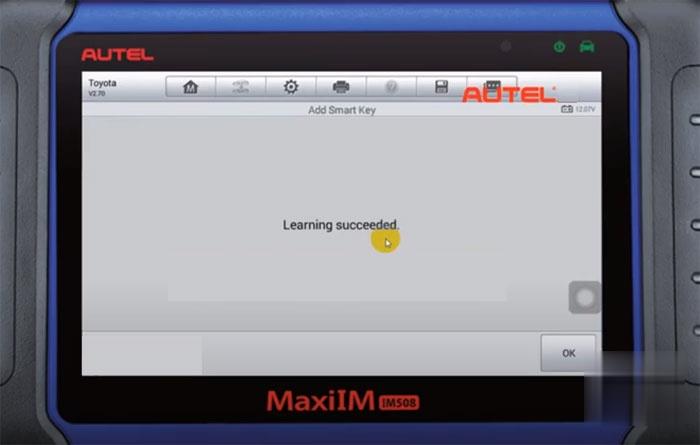
Learn succeeded

Possible-to-Program-Toyota-2020--Smart-Key-AKL-with-Autel-by-OBD-4 (2)
Possible-to-Program-Toyota-2020--Smart-Key-AKL-with-Autel-by-OBD-5 (2)
Possible-to-Program-Toyota-2020--Smart-Key-AKL-with-Autel-by-OBD-6 (2)    
Possible-to-Program-Toyota-2020--Smart-Key-AKL-with-Autel-by-OBD-7 (2)
Possible-to-Program-Toyota-2020--Smart-Key-AKL-with-Autel-by-OBD-8 (2)
Possible-to-Program-Toyota-2020--Smart-Key-AKL-with-Autel-by-OBD-9 (2)
Possible-to-Program-Toyota-2020--Smart-Key-AKL-with-Autel-by-OBD-10 (2)
Possible-to-Program-Toyota-2020--Smart-Key-AKL-with-Autel-by-OBD-11 (2)


-2018 all keys lost procedure example

Monday, May 31, 2021

Program Toyota 8A smart key AKL with Lonsdor K518ISE and LKE emulator

 Problem:

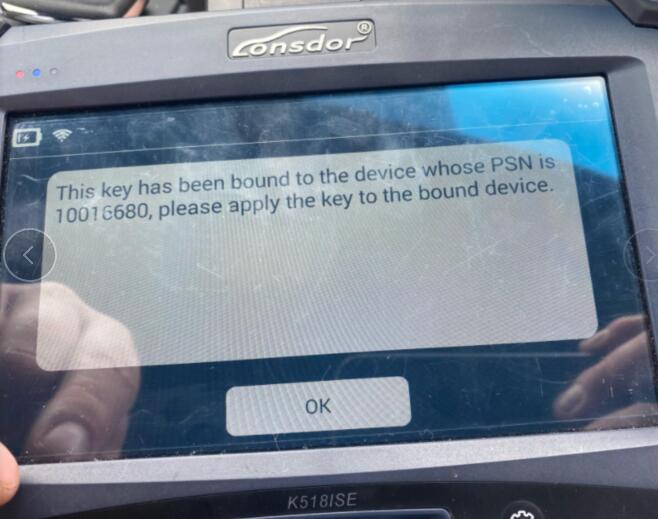
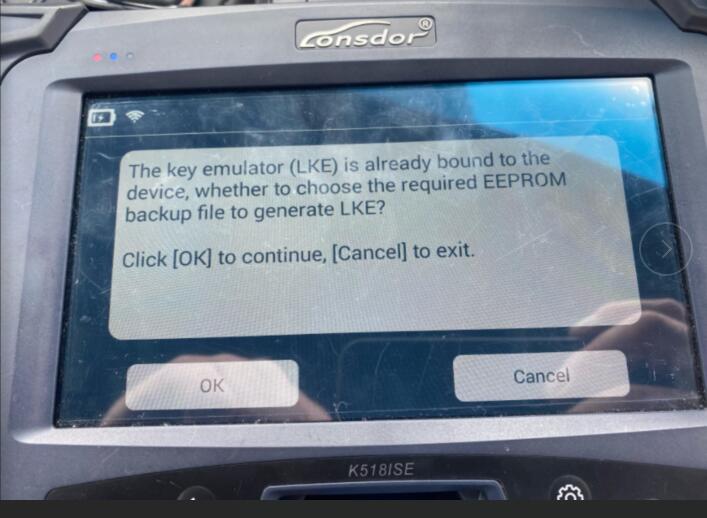
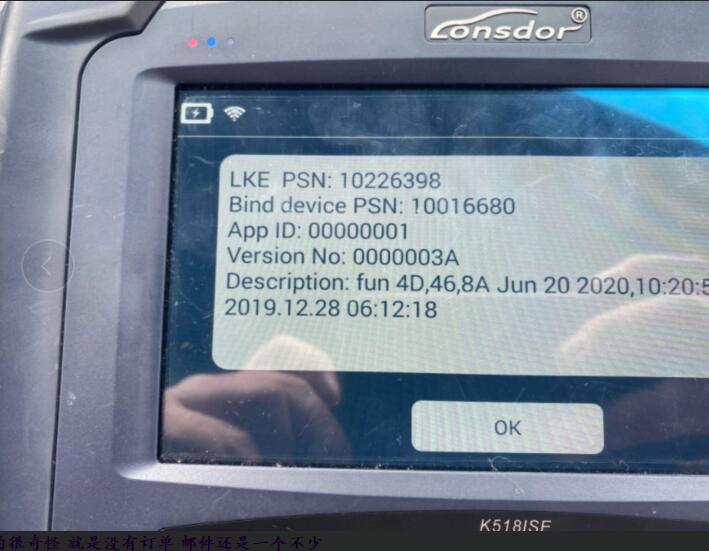
I try to make Toyota 8A smart key AKL with Lonsdor K518ISE and LKE emulator, the device said it has bound to k518. but it failed me and LKE is not generating key from eeprom file.
See error images below:
Lonsdor-LKE-Emulator-Not-Generate-Key-from-EEPROM-Solution-1
Lonsdor-LKE-Emulator-Not-Generate-Key-from-EEPROM-Solution-2
Lonsdor-LKE-Emulator-Not-Generate-Key-from-EEPROM-Solution-3

Obd2tool.com working solution:
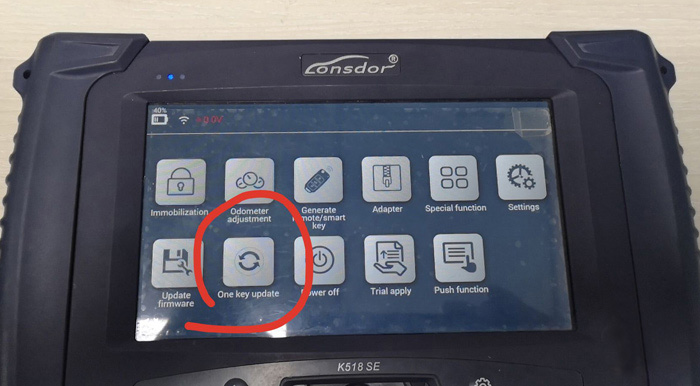
The problem can be solved by update K518ISE (one key update / check for updates)

Lonsdor-LKE-Emulator-Not-Generate-Key-from-EEPROM-Solution-4

If you want to know more key programming tools, please visit our website https://www.obd2tool.com

Sunday, May 30, 2021

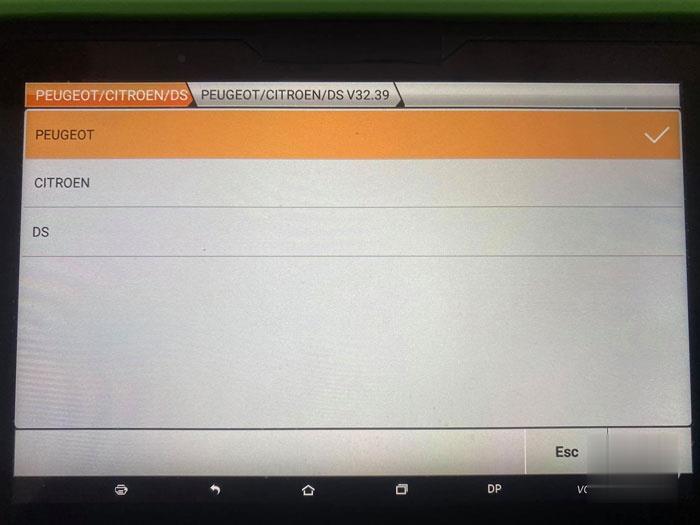
OBDSTAR X300 DP Plus Program 2012 Peugeot 508 ID46 Proximity

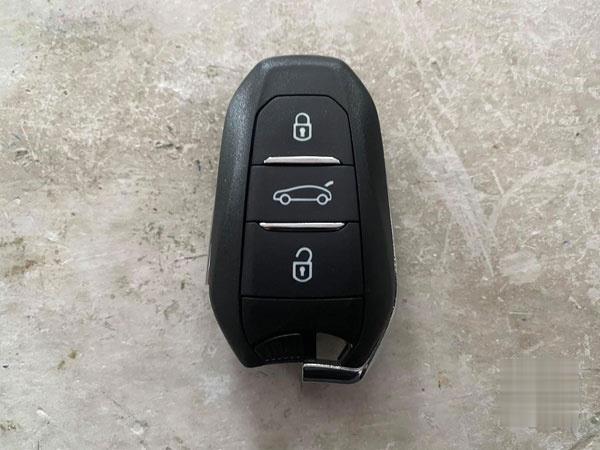
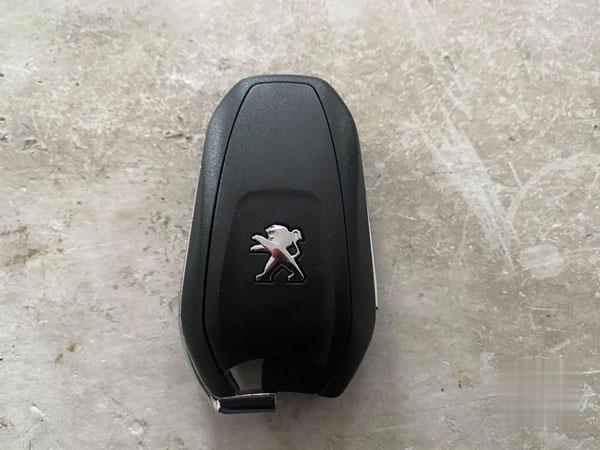
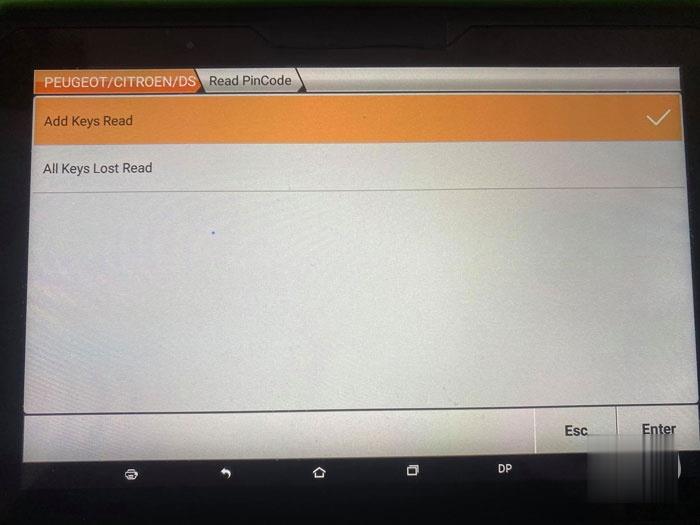
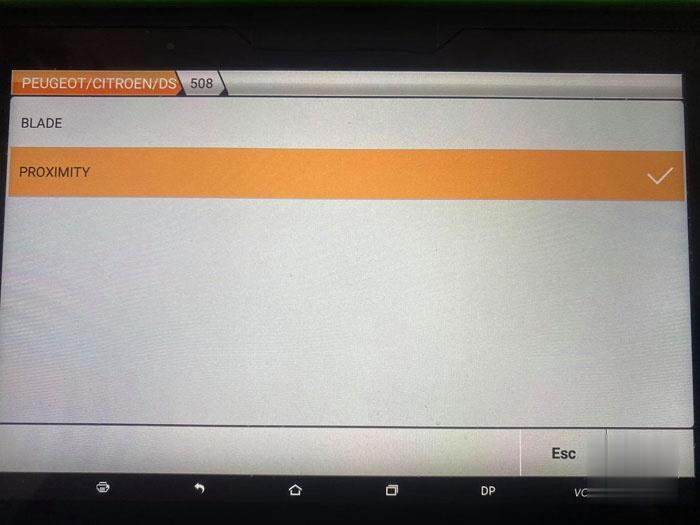
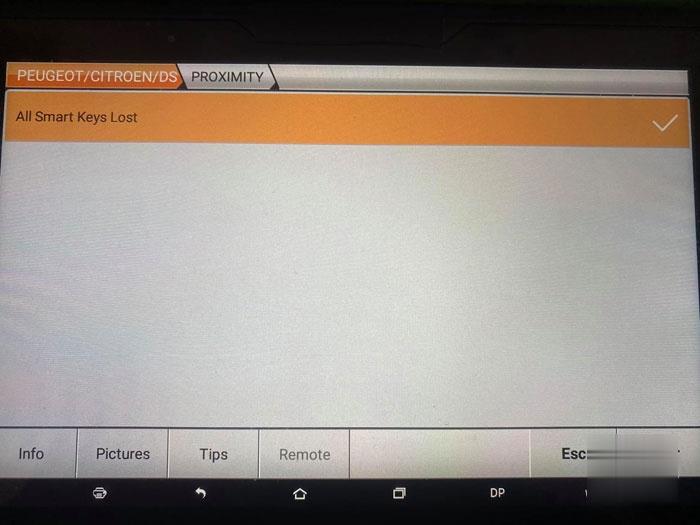
 Peugeot 508 key of 01/2012 succeeded. Free hand key and centralization works perfectly. Programming 2 keys using obdstar x300 dp plus in 10 minutes. Id46 key – FSK signal 3 buttons proximity

How-to-Program-2012-Peugeot-508-ID46-Proximity-by-OBDSTAR-X300-DP-Plus-1 (2)
How-to-Program-2012-Peugeot-508-ID46-Proximity-by-OBDSTAR-X300-DP-Plus-2 (2)

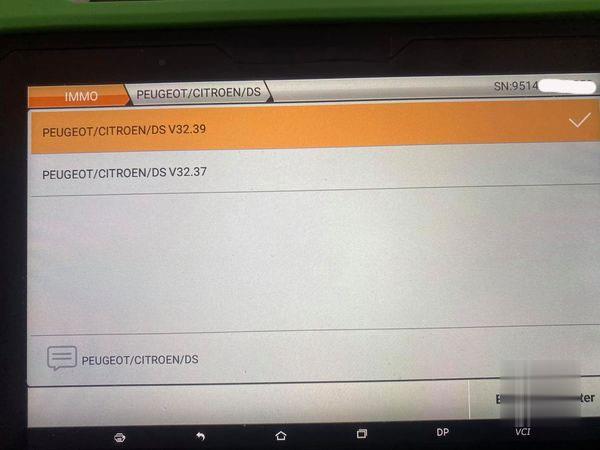
Enter from Peugeot V32.39>Peugeot>Adds keys read>Proximity>All smart keys lost

How-to-Program-2012-Peugeot-508-ID46-Proximity-by-OBDSTAR-X300-DP-Plus-3 (2)    
How-to-Program-2012-Peugeot-508-ID46-Proximity-by-OBDSTAR-X300-DP-Plus-4 (2)
How-to-Program-2012-Peugeot-508-ID46-Proximity-by-OBDSTAR-X300-DP-Plus-5 (2)
How-to-Program-2012-Peugeot-508-ID46-Proximity-by-OBDSTAR-X300-DP-Plus-6 (2)
How-to-Program-2012-Peugeot-508-ID46-Proximity-by-OBDSTAR-X300-DP-Plus-7 (2)

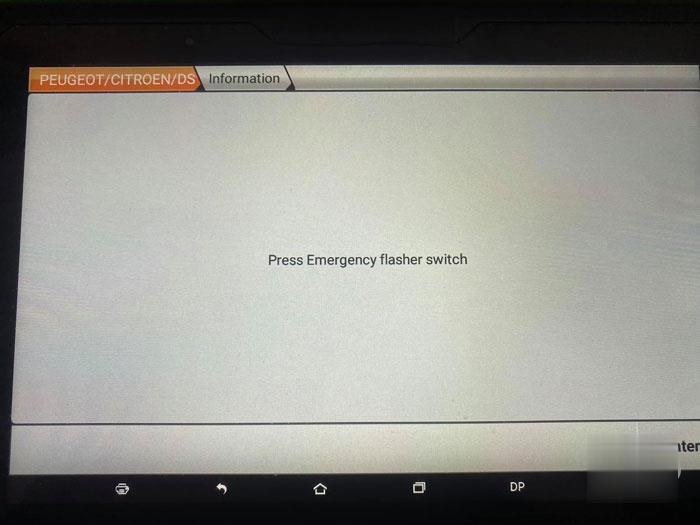
Press Emergency flasher switch and follow x300 dp plus prompts until succcess

How-to-Program-2012-Peugeot-508-ID46-Proximity-by-OBDSTAR-X300-DP-Plus-8 (2)

If you want to know more key programming tools, please visit our website https://www.obd2tool.com