Showing posts with label skp900 programador chave original. Show all posts

Saturday, February 17, 2018

SKP900 Install Driver

Por primera vez, para conectar su SKP900 con una PC a través de un cable USB, la pantalla de la computadora le recordará que debe instalar el controlador USB de la siguiente manera:

14-1
Cambiar selección->

14-2
Siguiente->

14-3
Siguiente->

14-4
Examine la carpeta del controlador USB->


14-5OK->

14-6
14-7
Continuar de todos modos->

14-8
14-9
Haga clic en Finalizar, espere unos 2 segundos->

14-10
Cambiar seleccionar->

14-11
Siguiente->

14-12
Siguiente->
14-13

Haga clic en Continuar de todos modos->

14-14
Haga clic en Finalizar.

14-15
Instalación terminada

SKP-900 Instrucción 3.Operation


Esta instrucción de operación le dirá cómo usar su herramienta de escaneo. Para otros vehículos, puede realizarlo consultando las instrucciones o de acuerdo con los consejos de operación en la pantalla.
Tome FORD como ejemplo, si se pierde toda la clave, puede usar
SKP-900 para hacer coincidir la clave. En primer lugar, debe conectar este dispositivo al conector OBDII a través del cable principal.
Seleccionar vehículo: [FORD] → [FOCUS]:

13-1Presione [SÍ], y seleccione 'IMMOBILIZADOR' de acuerdo con su vehículo

13-2Presiona [SÍ]13-3
Presiona [SÍ]

13-4Presiona [SÍ]13-5
AGREGAR CLAVE: para hacer coincidir nueva claveBORRAR TECLA: para eliminar todas las claves registradas y para que las claves perdidas no se puedan utilizar. Sugerimos que elimine todas las claves antes de hacer coincidir las nuevas claves.Seleccione [BORRAR TECLA] y presione [SÍ]:

13-6Como se muestra en la pantalla, debe agregar al menos 2 nuevas claves para iniciar el motor después de eliminar todas las claves registradas.
Presiona [SÍ]

13-7Presiona [SÍ]

13-8Presiona [SÍ]13-9
Muestra que se borraron las claves. Presione [NO]:

13-10Presiona [SÍ]


13-11

13-12De acuerdo con las instrucciones en la pantalla, debe insertar una nueva clave y activar IGN.Es posible que vea que la luz indicadora IMMO parpadeará al insertar una tecla que no puede encender el motor.Presiona [SÍ]

13-13Presiona [SÍ]


13-14

13-15Presiona [SÍ]

13-16Has programado con éxito la primera nueva clave. Presione [NO]:

13-17Presione [SÍ], continúe programando otra tecla:

13-18Presiona [SÍ]

13-19

13-20Presiona [SÍ]
13-21
13-22Presiona [SÍ]

13-4Hasta el momento, dos nuevas teclas se han programado con éxito. Ahora puede usar cualquiera de ellos para encender el motor Auto Key Programmer. Por supuesto, si desea agregar más teclas, solo necesita repetir las operaciones anteriores.

Friday, January 19, 2018

How to update SuperOBD SKP900 Key Programmer?

Do you need a clear tutorial for SKP-900 Update? This blog will guide you How to update SuperOBD SKP-900 Key Programmer step by step! Check below!
Step1. Download newest software from SuperOBD official website  www.obd2tool.com.
Step2. Connect SKP-900 key programmer to computer using the USB cable.
Register SKP-900 official website in member centre. Download the update software and unzip it to get the “update bin file”.
5-1
5-2
Step3. Extract SKP900 Update Tool V2.4 zip file and SKP900 USB Driver zip file. Now install SKP900 driver: go to “My Computer” → “Properties” → “Hardware” → “Device Manager”
5-3
The USB serial will not be found now. Click the “Scan” button to scan the hardware.
5-4
Step4. You will see a Found New Hardware Wizard for “USB-Serial”, click “Next”.
5-5
Check the checkbox “Include this location in the search” then click “Browse”. Choose “USB driver” folder then click “OK”.
5-6
Click “Next” then “Finish”.
Step5. There comes another Found New Hardware Wizard for “USB Serial Port”, choose the option “Install from a list or a special location”, click “Next”.
5-7
Click “Browse”, choose “USB driver” folder then click “OK”. Click “Next” then “Finish”.
Now SKP900 USB driver install completely.
5-8
Step6. Open Car Key Programmer SKP900 Update Tool V2.4 folder then open SKP900 Update Tool V2.4.
5-10
Open the update bin file then click “Update” to start SKP900 update. (Remember not to disconnect SKP-900 form computer while updating.)
5-11 5-12
The whole process will cost about 37 minutes, just be patient to wait it complete. And after that all OK, you can start to use newest SKP900 software !

Superobd SKP900 programs smart remote Nissan Sylphy 2013 year

This post shows how to use Superobd SKP900 program smart remote Nissan Sylphy 2013 year.
Purpose:
Calculate Pin code and then program smart remote key
Procedure:
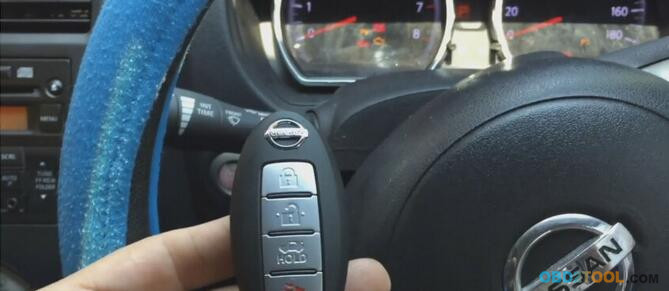
1.This is smart remote key …
4-1
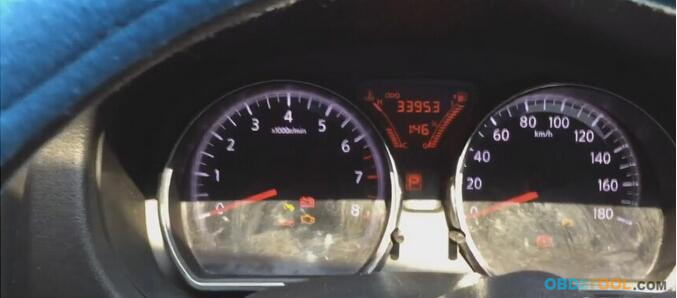
2.Turn ignition on
4-2
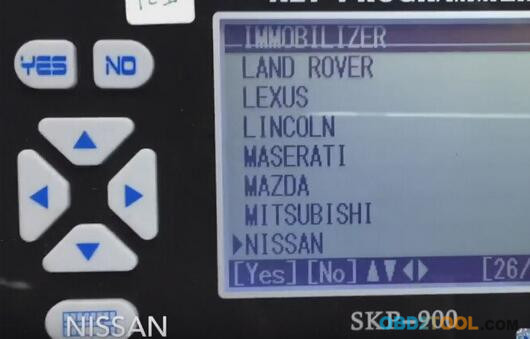
3.Open OBD2 Programmer Superobd SKP900, come to menu then choose “Nissan” under IMMOBILIZER.
4-3
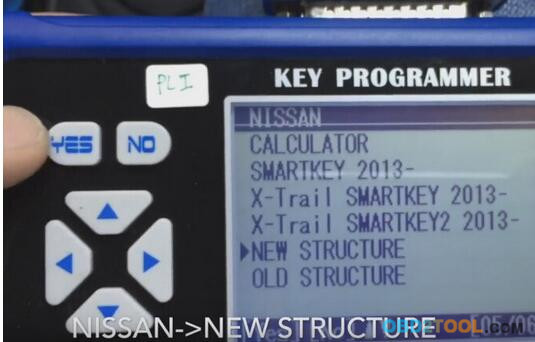
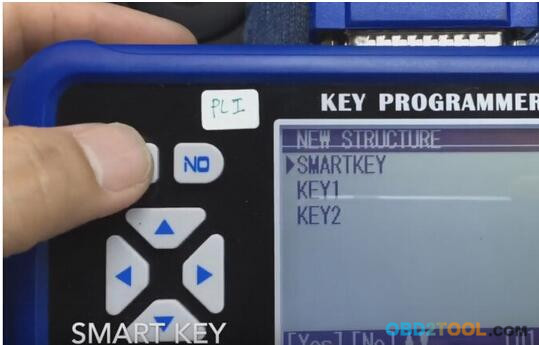
4.Select “New Structure”.
4-4
5.Select “Smart key”, loding…
4-5
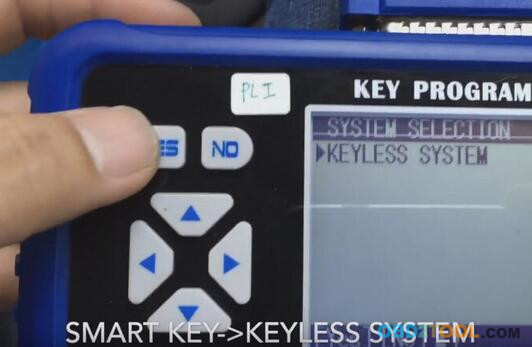
6.Select “KEYLESS SYSTEM”.
4-6
7.Get message “Choose OBDII adapter Yes to continue”, turning on then press YES.
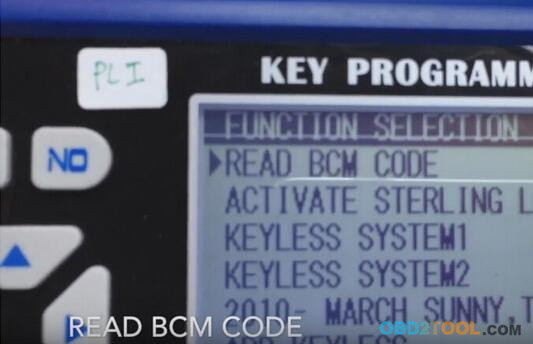
8.Read BCM code
4-8
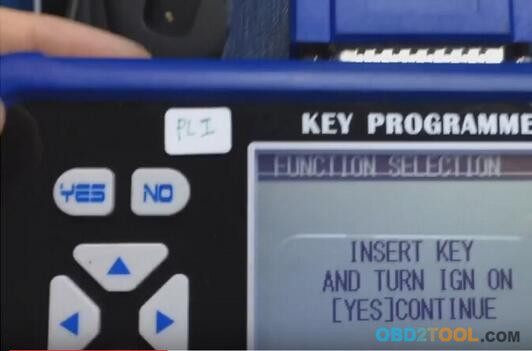
9.Insert key and turnning on “Yes” to continue
4-9
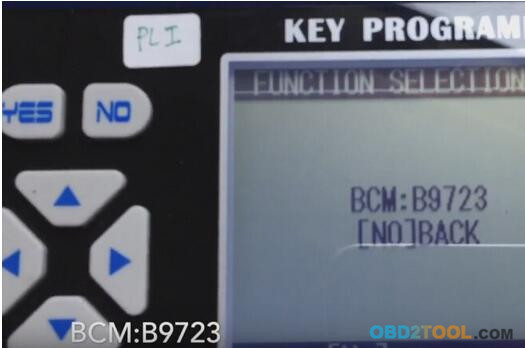
10.Read out BCM code
4-10
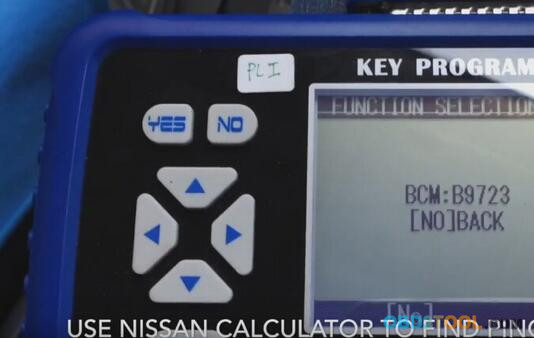
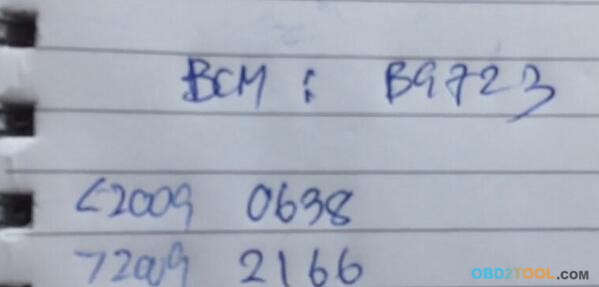
11.Use Nissan Calculator to find Pin code.
4-11
12.Read out PINCODE: 2166 (cause our car after 2009 year) by Nissan Calculator
4-12
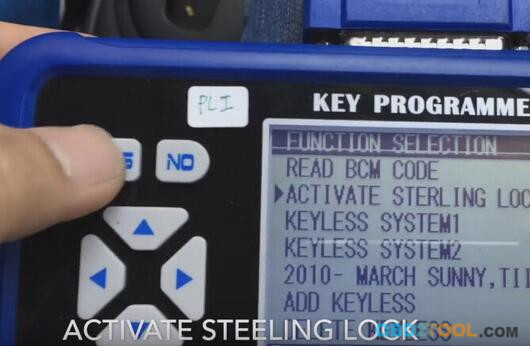
13.Use pin code: 2166. Back to “Function Selection” then select “Activate Steeling Lock”, press
“Yes” button.
4-13
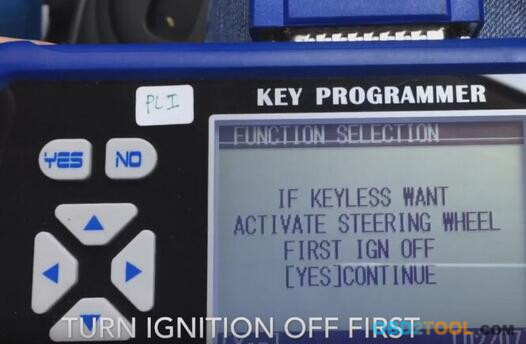
14.Get message “If keyless want activate steering wheel, first turn IGN off “Yes” Continue.
4-14
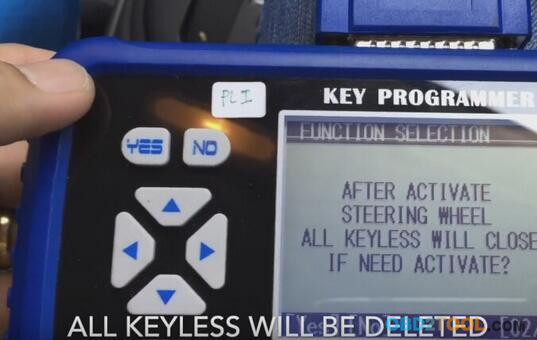
15.All keyless will be deleted.
4-15
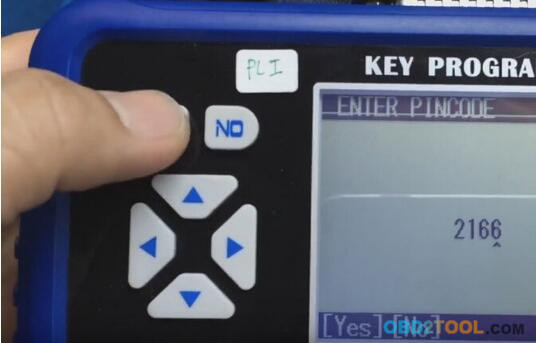
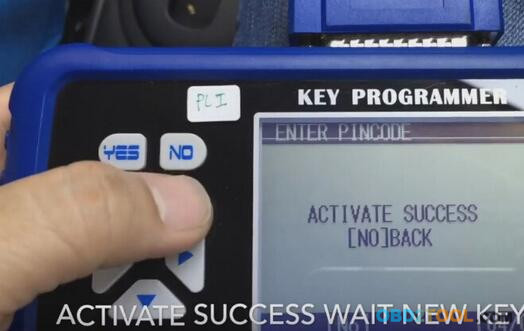
16.Enter Pincode 2166
4-16
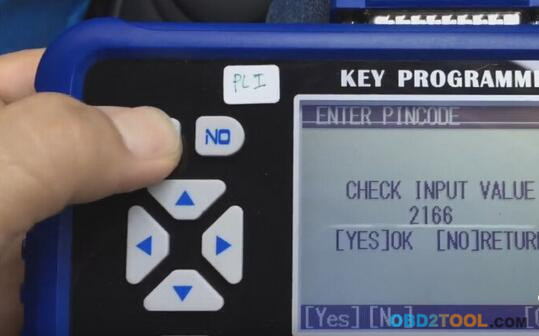
17.Check INPUT VALUE 2166 “Yes” OK “No” Return.
4-17
18.Activate success wait new keyless.
4-18
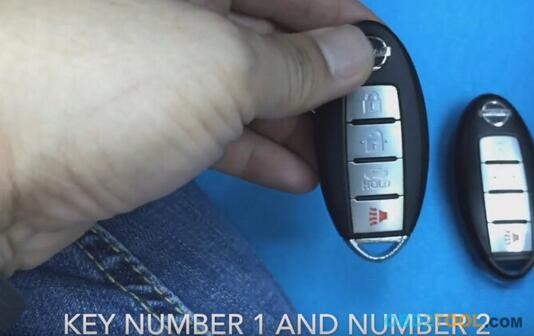
19.Key number 1 and number 2
4-19
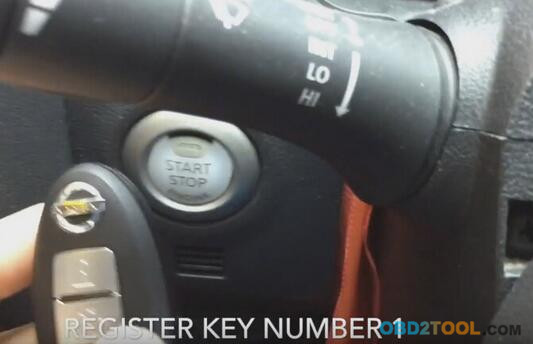
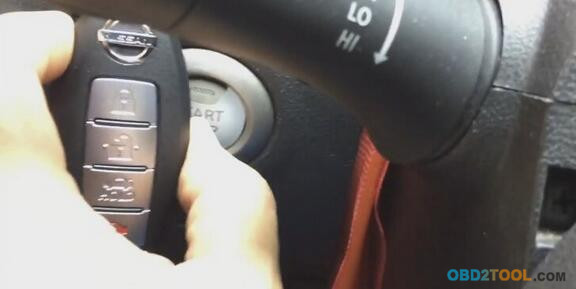
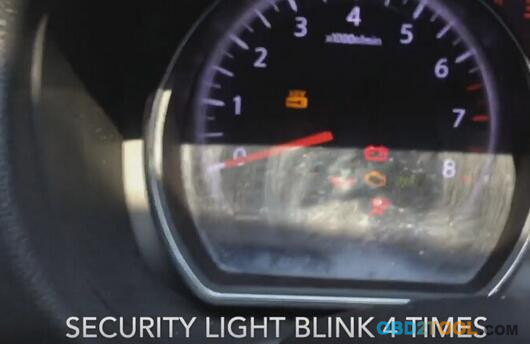
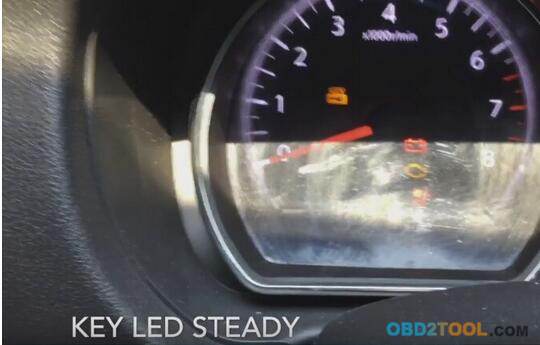
20.Register KEY Number 1, put key number 1 on Smart button and press 1 time. Security light blink 4 times. Key LED steady. Press smart button to off.
4-20
4-21 4-22 4-23
21.Put key number 2 on Smart button and press 1 time.Security light blink 4 times.Turn IGN off.
22.Use key number 1 turn on again. Turn IGN off. Press brake pedal then press to start.
Engine can start. Turn IGN OFF. Open driver door and close, Key LED blink 5 times.
4-24
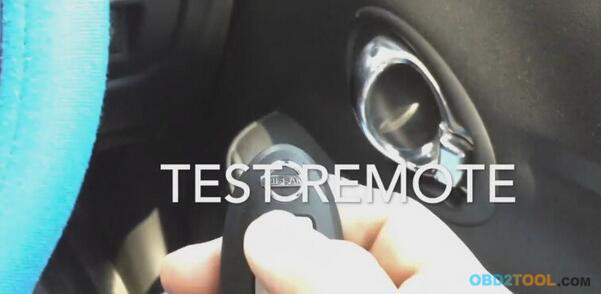
23.Test remote, it can work.
4-25